







In 30 seconds
- Talent acquisition software runs sourcing, screening, interviews, and offers from one system.
- An ATS tracks applicants. A full talent acquisition platform adds sourcing, a candidate CRM, and analytics.
- Small teams need fast setup and job board reach. Enterprises need approvals, compliance, and HRIS sync.
- Most tools price per user or per month, and enterprise suites quote through sales.
- Test one tool on a real role before a company-wide switch.
Talent acquisition software is a platform that helps recruiting teams find, screen, interview, and hire candidates from one system, usually built around an applicant tracking system (ATS).
Some tools cover the full hiring process, and others focus on one step, such as sourcing or interviews, and connect to your ATS. The best one depends on your hiring volume, team size, and HR stack. This guide compares 11 tools, how to choose one, and what they cost.
What is talent acquisition software?
Talent acquisition software is a system recruiting teams use to manage hiring from job post to offer. It posts jobs, tracks applicants, screens resumes, schedules interviews, collects scorecards, and reports on hiring metrics.
Larger platforms add sourcing, a candidate CRM, and onboarding, so one AI hiring platform can cover the whole hiring funnel instead of five separate tools.
How does talent acquisition software work?
Talent acquisition software follows the same five stages of hiring that a recruiting team runs by hand:
- Post: publish the job to your career site and job boards in one step.
- Collect: pull every application into one pipeline, with duplicates merged.
- Screen: filter candidates with knock-out questions, resume screening, or first-round AI interviews.
- Interview: schedule interviews, share interview kits, and collect scorecards from each interviewer.
- Offer: send the offer for approval and signature, then pass the new hire to HR.
Free HR tool
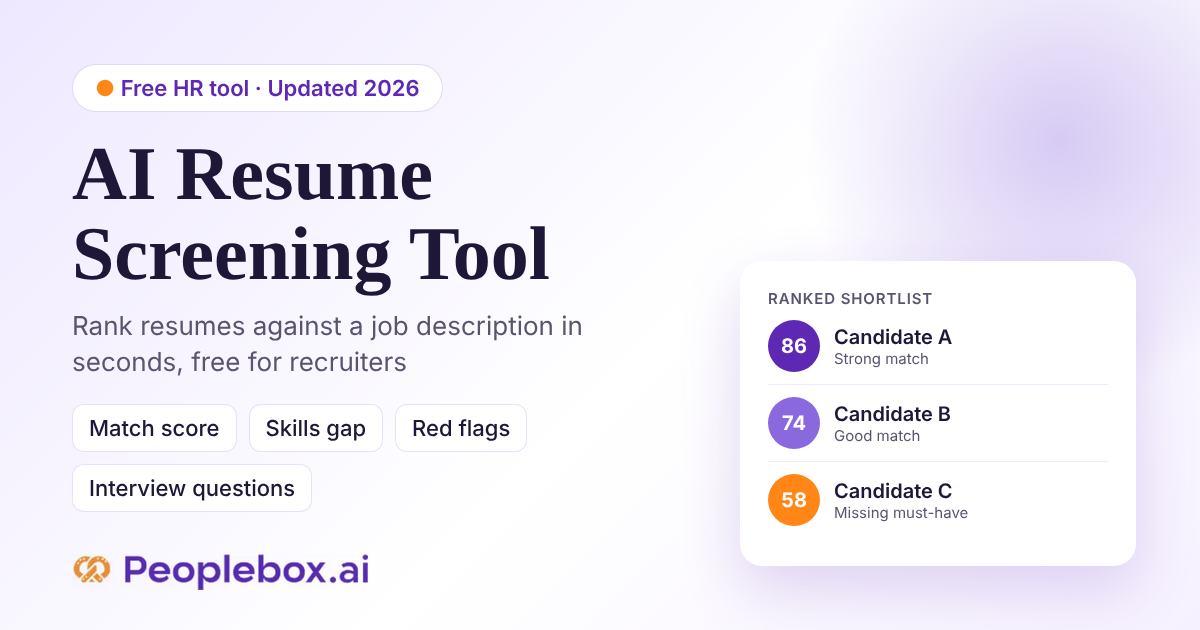
Screen resumes free before you buy software
Peoplebox.ai’s free AI Resume Screening Tool ranks candidates against your job description, so you can shortlist faster in minutes.
Which talent acquisition software fits your team size?
The right talent acquisition software depends on how many people you hire, how many recruiters you have, and whether you hire for yourself or for clients. Small teams need quick setup. Enterprises need approvals and compliance. Staffing agencies need a CRM built around placements.
Pick your team size, see the top 3 tools for it.
Skip the 11-tool scroll if you already know your hiring stage.
Zoho Recruit
Free plan to start, with separate editions for corporate HR and staffing teams.
Workable
One-click posting to many job boards, plus light HR tools in the same app.
JazzHR
Flat yearly pricing and simple pipelines for teams hiring a few roles at a time.
Peoplebox.ai
AI screening, Nova first-round interviews, and new-hire performance in one platform.
Greenhouse
Structured interview kits and scorecards that keep every interviewer consistent.
Ashby
Built-in recruiting analytics and dashboards for fast-growing hiring teams.
Peoplebox.ai
Screening at volume with Nova, on a supported ATS or Peoplebox’s own ATS.
iCIMS
One suite for ATS, candidate CRM, and high-volume hiring across locations.
Workday Recruiting
Recruiting inside Workday HCM for companies already running core HR there.
What to look for at each stage: choose software that has these features for your size and setup. Remote teams of any size should also check for video interviews and time-zone scheduling.
- Under 50 employees: look for a free plan or flat monthly price, job board posting, and a simple pipeline. Avoid annual contracts and per-seat minimums.
- 50 to 500 employees: look for scorecards, interview scheduling, basic reports, and HRIS sync. Avoid tools that need an admin to run them daily.
- 500 to 5,000 employees: look for approvals, a candidate CRM, custom reports, and SSO. Check for add-ons priced separately from the base plan.
- 5,000+ employees: look for global compliance, high-volume screening, and HCM integration. Avoid long implementations with no pilot.
- Staffing agencies: look for client portals, job orders, bulk messaging, and placement tracking. Skip in-house ATS tools with no client records.
Large employers can compare deeper options in our guide to enterprise recruitment software. Agencies should start with our list of staffing agency software.
Quick comparison: the top talent acquisition software at a glance
The table compares 11 talent acquisition tools by type, who each suits, public pricing, and G2 rating.
| Tool | Type | Best for | Public pricing | G2 rating |
|---|---|---|---|---|
| Peoplebox.ai | Hiring + performance platform | Teams that want hiring data linked to new-hire performance reviews | From $8/user/mo | 4.5★ |
| Greenhouse | Structured hiring ATS | Mid-market teams that want structured interview kits and scorecards for every role | Contact sales | 4.4★ |
| Workable | SMB ATS + HR | Small businesses that want one-click posting to many job boards | From $299/mo | 4.4★ |
| Zoho Recruit | Budget ATS + CRM | Budget-conscious teams that want a free plan with staffing editions | Free; from $30/user/mo | 4.4★ |
| iCIMS | Enterprise TA suite | Enterprises that want one suite for ATS, CRM, and high-volume hiring | Contact sales | 4.2★ |
| SmartRecruiters | Enterprise TA suite | Global enterprises on SAP that want localized hiring across many countries | Contact sales | Not listed |
| Workday Recruiting | HCM suite module | Large companies on Workday HCM that want recruiting inside core HR | Contact sales | 3.7★ |
| Lever | ATS + CRM | Growing teams that want to nurture passive candidates with email sequences | Contact sales | 4.3★ |
| Ashby | ATS + analytics | Fast-growing tech teams that want built-in recruiting analytics and dashboards | From $400/mo | 4.7★ |
| JazzHR | Small business ATS | Small businesses that want flat yearly pricing and simple job pipelines | From $1,000/yr | 4.4★ |
| Phenom | Talent experience platform | Enterprises that want personalized career sites and internal mobility tools | Contact sales | 4.3★ |
This evaluation reflects the highest editorial standards. Every tool is reviewed under the same criteria, and no vendor paid for placement or ranking. Read more about the evaluation framework here.
What are the top talent acquisition software tools?
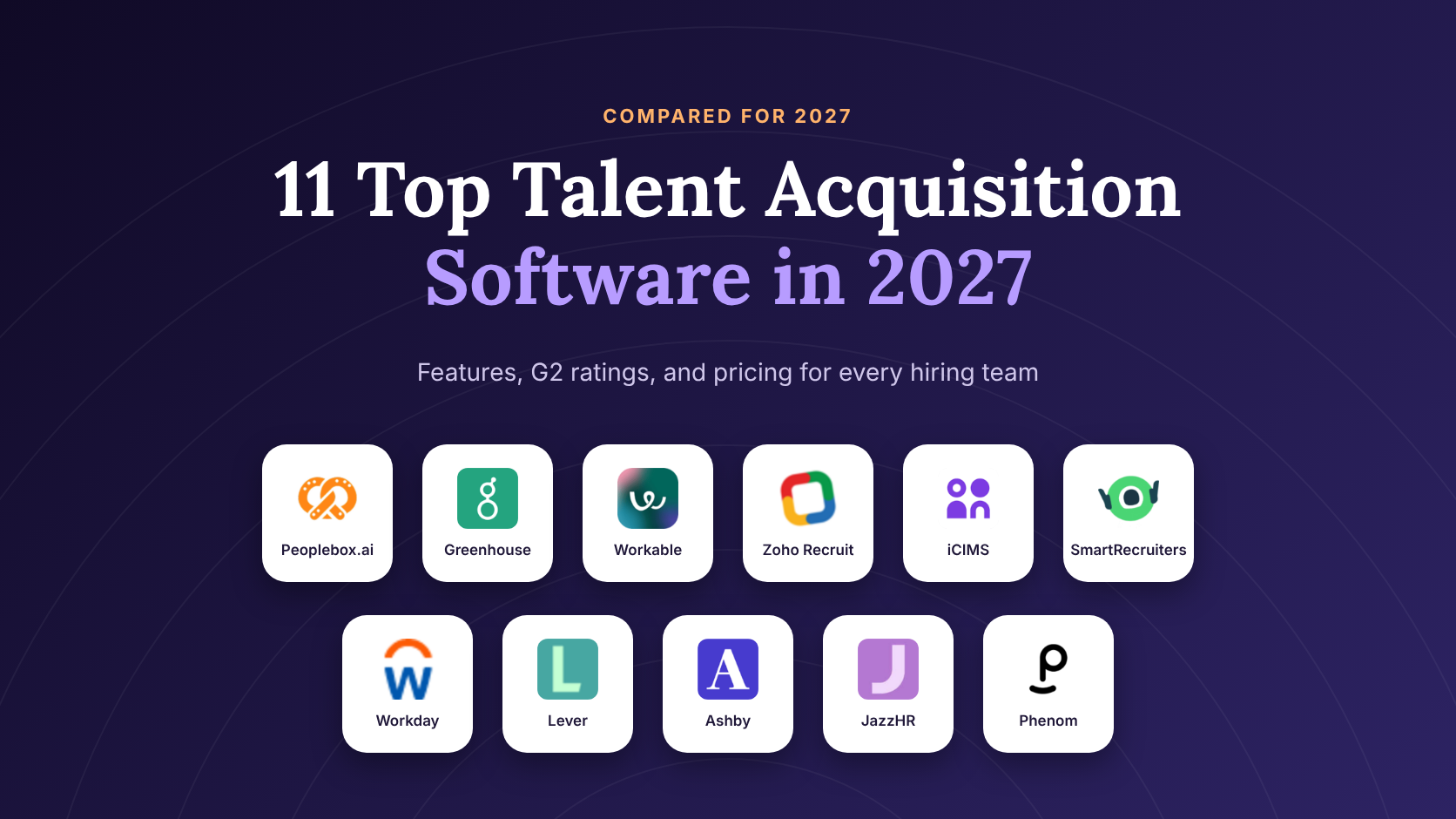
We’ve shortlisted these 11 tools based on their features and limitations. They all have their own strengths and trade-offs when it comes to talent acquisition.
Peoplebox.ai
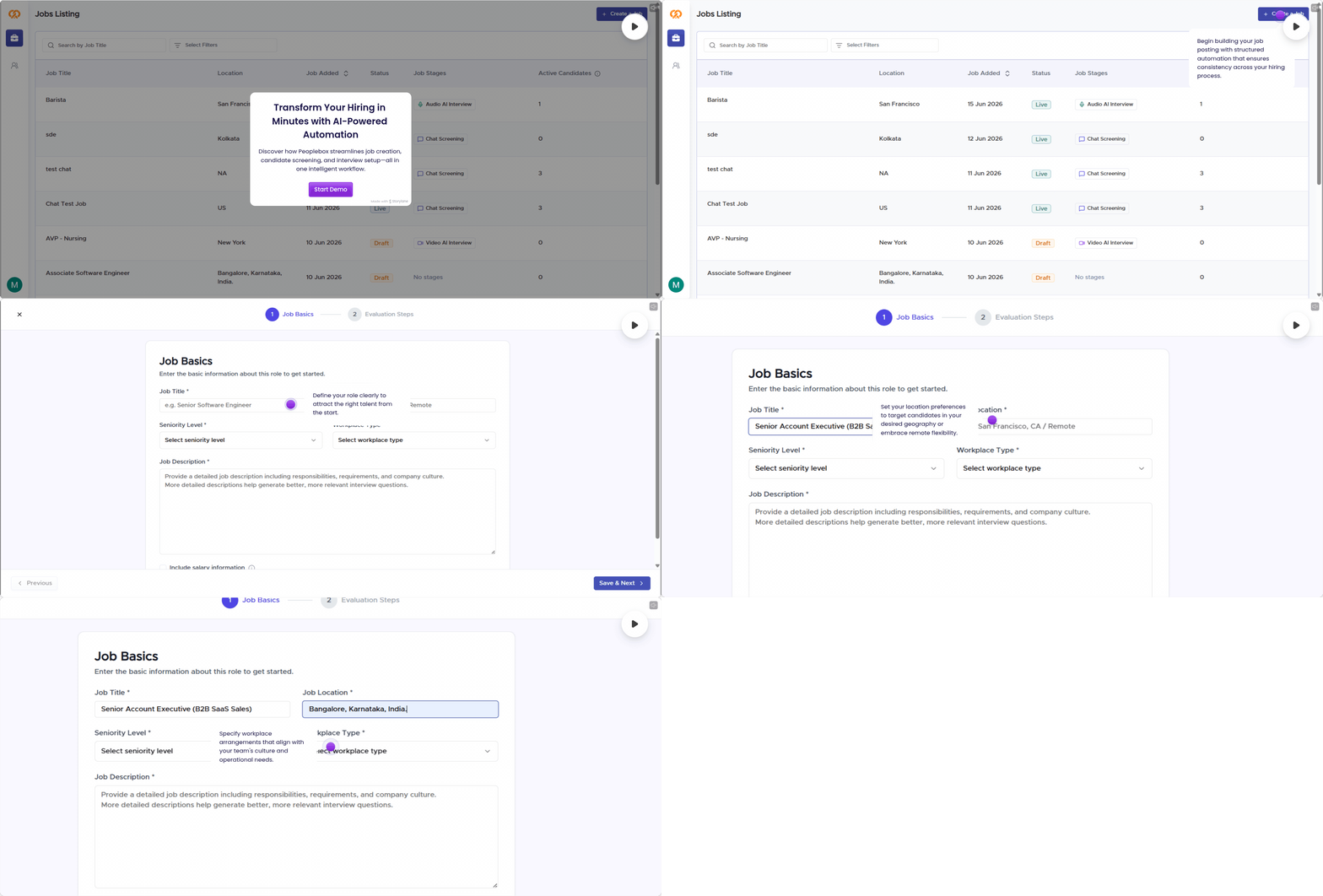
Peoplebox.ai is a talent platform that covers hiring and performance in one system. Nova by Peoplebox is an AI interviewer and first-level screening layer that automates screening for high-volume roles.
New hires flow into Peoplebox.ai’s performance management software, so you can see how each hire performs after the offer. It works on a supported ATS or on Peoplebox’s own ATS.
Key features
- AI resume screening against job criteria
- Nova first-round AI interviews with scores
- Text-to-apply for hourly and frontline roles
- Own ATS or a supported ATS connection
- Post-hire performance and retention insights
Limitations
- Connects to one supported ATS per account
- Built for growing teams, so very small teams may underuse it
“
Peoplebox.ai has reshaped our hiring workflow.
Shankar Singh
Head of Talent Acquisition, Sprinto
Greenhouse
Greenhouse is an applicant tracking system built around structured hiring. Each role gets an interview plan, interview kits, and scorecards, so every candidate is judged on the same criteria.
Key features
- Structured interview kits and scorecards
- Resume anonymization to reduce bias
- Offer forecasting for open jobs
- Large marketplace of hiring integrations
Limitations
- Reports may feel slow and hard to filter
- The interface could take hiring managers time to learn
- Newer AI features might need a higher-tier package
Workable
Workable is an ATS for small and mid-sized businesses that also covers basic HR tasks. It posts jobs to many boards at once and adds candidate sourcing and hiring automation.
Key features
- One-click posting to many job boards
- Candidate sourcing beyond inbound applicants
- Offer and requisition approvals
- Light HR tools such as time off
Limitations
- Reporting dashboards may feel limited for hiring KPIs
- Search filters might miss candidates from older applications
- The mobile app could feel less complete than desktop
Zoho Recruit
Zoho Recruit is an ATS and candidate CRM with separate editions for corporate HR teams and staffing agencies. It has a free plan and uses hiring blueprints to keep each stage consistent.
Key features
- Free plan for small hiring teams
- Separate corporate and staffing agency editions
- Hiring process blueprints
- Zia AI assistant on higher plans
Limitations
- The interface may feel cluttered for new users
- Initial setup and customization could take extra time
- Large application volumes might slow down processing
iCIMS
iCIMS is an enterprise talent acquisition suite. It combines a configurable ATS with a candidate CRM, recruitment marketing, and tools for high-volume hiring across many locations.
Key features
- Configurable hiring workflows
- Candidate CRM and recruitment marketing
- High-volume hiring tools
- Broad HR and job board integrations
Limitations
- Searching past candidates might feel limited
- Reports could be hard to pull without admin help
- Workflow logic may not behave as expected
SmartRecruiters
SmartRecruiters is an end-to-end talent acquisition suite, now part of SAP. It includes the Winston AI assistant, an app marketplace, and localization for hiring in many countries.
Key features
- Winston AI recruiting assistant
- Marketplace of hiring integrations
- Localization and compliance for global hiring
- Fits SAP SuccessFactors environments
Limitations
- Candidate portal branding options may feel limited
- Automated candidate messages could feel impersonal
- Some reports might offer little customization
Workday Recruiting
Workday Recruiting is the recruiting module inside Workday HCM. Recruiting, HR, and finance data sit in one system, which suits large companies already standardized on Workday.
Key features
- Recruiting native to Workday HCM
- Internal mobility for current employees
- Links to workforce planning and finance
- Supports corporate and frontline hiring
Limitations
- Simple tasks may need many clicks to finish
- Interview scheduling could feel slow and manual
- Setup and learning curve may take longer than expected
Lever
Lever combines an ATS with a candidate CRM in one product. Recruiters can nurture passive candidates with email sequences and track every pipeline in one view.
Key features
- ATS and candidate CRM in one product
- Email nurture sequences for passive talent
- Pipeline visibility across jobs
- AI help with resume review
Limitations
- Reporting and filters could feel less flexible
- New hiring managers may find it hard to use
- Candidate profiles might feel cluttered with nested sections
Ashby
Ashby is an all-in-one recruiting platform with analytics built in. It brings the ATS, sourcing, interview scheduling, and custom reports into one workspace for fast-growing teams.
Key features
- Custom recruiting analytics and dashboards
- Built-in interview scheduling
- Sourcing and outreach tools
- ATS and CRM in one workspace
Limitations
- Frequent updates may be hard to keep up with
- Intake forms could feel less intuitive to build
- Some HRIS integrations might feel less detailed
JazzHR
JazzHR is an ATS for small businesses with flat-rate plans. It syndicates jobs to boards, organizes inbound applicants into simple pipelines, and keeps setup light.
Key features
- Flat annual plans by job count
- Job posting and syndication
- Simple hiring pipelines
- Contacts manager on higher plans
Limitations
- Reporting may feel rigid for detailed hiring metrics
- Native sourcing of passive candidates might be limited
- Pages could load slowly with large amounts of data
Phenom
Phenom is a talent experience platform built around applied AI. It personalizes career sites, runs a talent CRM and recruitment marketing, and supports internal mobility for current employees.
Key features
- Personalized career sites
- Talent CRM and recruitment marketing
- AI candidate matching
- Internal talent mobility
Limitations
- Analytics may feel weak or inconsistent at times
- Candidate matching could sometimes be inaccurate
- Training resources might leave teams teaching themselves
Is talent acquisition software the same as an ATS?
No. An ATS tracks applicants through job posts, stages, and offers. Talent acquisition software includes the ATS, then adds sourcing, a candidate CRM, interview tools, and analytics. Small teams often need only an ATS. Teams hiring at volume usually need the full platform.
| Question | ATS | Candidate CRM | Full TA platform |
|---|---|---|---|
| Main job | Track applicants to offer | Nurture people who have not applied | Run the whole hiring funnel |
| Funnel stage | After someone applies | Before someone applies | Both |
| Typical buyer | Small and mid-sized teams | Teams hiring hard-to-fill roles | Mid-market and enterprise teams |
What is the difference between an ATS and a recruiting CRM?
An ATS manages active applicants for open jobs. A recruiting CRM keeps a talent pool warm with email campaigns before a job opens. Suites such as Workday Recruiting and iCIMS combine both, so one record follows a candidate from first contact to hire. If resumes are your bottleneck, pair your ATS with resume parsing software.
What features should talent acquisition software have?
Talent acquisition software should post jobs, track every applicant, screen at scale, and report on hiring speed and quality. Look for structured scorecards, candidate self-scheduling, two-way messaging, AI screening with human review, HRIS sync, and time-to-hire reports.
| Feature | What it does for recruiters |
|---|---|
| Job distribution and career site | Posts one job to your site and many boards at once |
| Applicant tracking pipeline | Shows every candidate by stage and owner |
| AI resume screening | Ranks applicants against the job criteria |
| Structured scorecards | Keeps every interviewer judging the same skills |
| Candidate self-scheduling | Lets candidates book interview slots without email back-and-forth |
| Two-way messaging | Sends email and SMS updates from one inbox |
| Candidate CRM and talent pools | Keeps past applicants ready for new roles |
| HRIS and calendar integrations | Moves hires to HR and syncs interviewer calendars |
| Hiring analytics dashboard | Reports time to hire, source of hire, and drop-off |
Self-scheduling matters more than it looks. In Peoplebox’s State of AI Interviews 2026 data (50,000+ AI interviews, June 2025 to July 2026), 59% of candidates who scheduled their own interview picked a slot outside recruiter hours of 9am to 7pm. Tools that only offer office-hours slots lose those candidates. See how automated hiring software handles the rest of these steps.
How do you choose talent acquisition software?
Choose talent acquisition software by starting with your slowest hiring step, then your hiring volume and the HR tools you already run. Test the tool on one real role with your recruiters and hiring managers before you sign.
| Problem | What to look for | Question to ask the vendor |
|---|---|---|
| Screening takes days | Resume screening or first-round AI interviews | Can recruiters review and override every AI score? |
| Hiring managers skip scorecards | Short scorecards inside email or Slack | Can managers submit feedback without logging in to a new tool? |
| Too few applicants | Job board syndication and sourcing | Which job boards are included in my plan? |
| Candidates drop off | Mobile apply and self-scheduling | Can a candidate apply and book an interview on a phone? |
| Data lives in many tools | Native HRIS and calendar sync | Does it sync new hires to my HRIS automatically? |
| No hiring reports | Built-in time-to-hire and source reports | Can I see time to hire by job without exporting data? |
| Hiring in many regions | Localization and data residency | Where is candidate data stored, and can I choose the region? |
Screening is usually the slowest step, and most first-round candidates do not move forward.
41%
Of completed first-round AI interviews were marked Poor fit, and only 20.8% earned Great fit, across 50,000+ AI interviews from June 2025 to July 2026. A screening layer that filters early gives recruiters back time for the strongest applicants.
Source: Peoplebox.ai, State of AI Interviews 2026.
Before a demo, check these:
- Your current time to hire by role
- Which steps your recruiters still do by hand
- Your HRIS, calendar, and job boards
- Price at your number of recruiters and open jobs
How is AI changing talent acquisition software?
AI in talent acquisition software now screens resumes, schedules interviews, and runs first-round interviews. It saves recruiter time on repeat steps, but hiring decisions stay with people. Ask each vendor how it scores candidates, audits bias, and tells candidates AI is used.
Candidates are more open to AI interviews than many teams expect. Compare options in our roundup of AI interview tools.
92.9%
Of candidates who start an AI interview finish it and receive a score. Directors complete at the highest rate, 96.4%, so senior candidates do not avoid the format.
Source: Peoplebox.ai, State of AI Interviews 2026.
What to check before you switch on AI:
- Recruiters can see why a candidate was scored and override it
- The vendor runs regular bias audits and shares results
- Candidates are told when AI is used and can ask for a human review
- Interview data has a clear retention period
Rules on AI in hiring, such as NYC Local Law 144, change often. Treat this list as information, not legal advice, and confirm requirements with your counsel.
How do you track quality of hire after the offer?
Quality of hire shows whether new hires perform and stay. Track it by linking hiring data, such as source and interview scores, to first-year review ratings, goal progress, and retention. Most talent acquisition tools stop at the offer, so this needs your performance system.
- 90-day ramp: how fast a new hire reaches expected output, rated by the manager.
- First review rating: the new hire’s rating in their first performance review cycle.
- Goal attainment: the share of first-year goals or OKRs the new hire completes.
- 12-month retention: whether the hire is still with you after one year.
Free HR tool
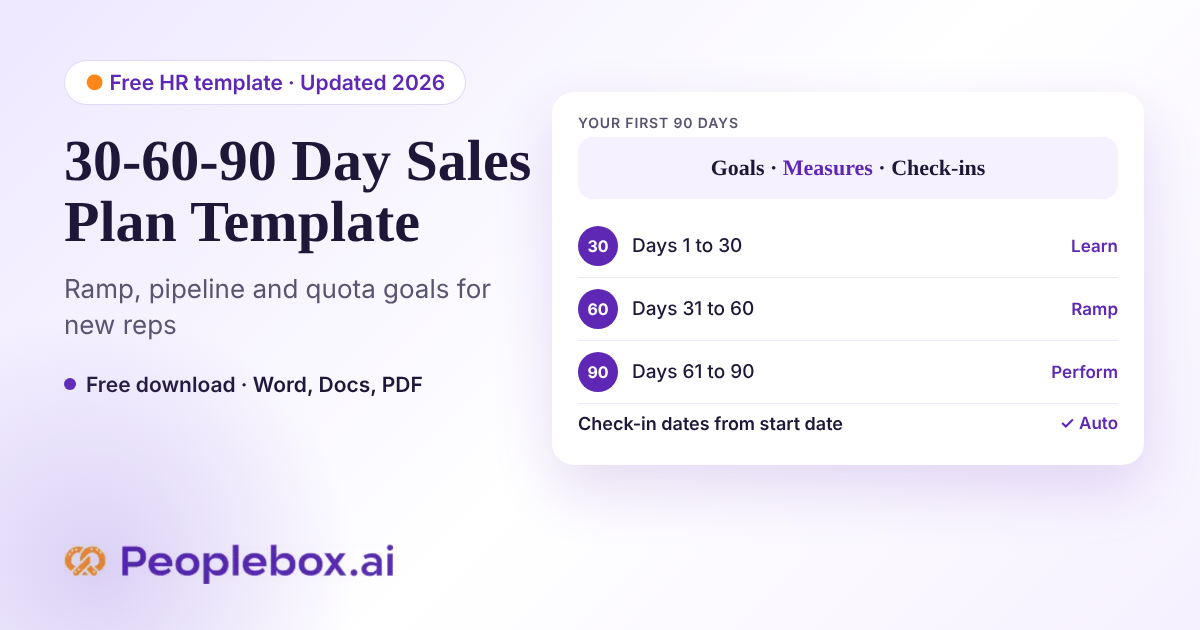
Plan every new hire’s first 90 days
Peoplebox.ai’s free 30-60-90 Day Plan Template helps managers set short, measurable goals for each new employee from day one.
Compare these four numbers by source and by interview score. If one job board brings hires who leave early, cut its budget. If high interview scores do not predict strong reviews, fix the scorecard. Read more on talent retention and see benchmarks in the performance management statistics report.
How do you switch talent acquisition software?
Switch talent acquisition software by exporting candidate data, rebuilding pipelines, and running both systems for one hiring cycle. Recruiting ops owns the move and IT owns integrations. Keep the old system read-only for past candidates and audits.
| Step | Owner | Timing |
|---|---|---|
| Export candidates, notes, and attachments | Recruiting ops | Week 1 |
| Rebuild job templates, stages, and scorecards | Recruiting ops | Week 1 to 2 |
| Connect HRIS, calendars, and job boards | IT | Week 2 |
| Pilot on 2 or 3 open roles | Recruiters and hiring managers | Week 3 to 4 |
| Train all hiring managers | Recruiting ops | Week 4 |
| Move all open roles and set the old system to read-only | Recruiting ops | Week 5 to 6 |
How much does talent acquisition software cost?
Talent acquisition software prices differ by tool because of headcount, open jobs, recruiter seats, and add-ons such as sourcing or onboarding. Budget for setup, integrations, job board spend, and training, then choose the tool that fits your hiring volume.
Very small teams can start free. Some tools offer free plans or trials, and the Peoplebox free HR toolkit covers tasks such as resume screening and offer letters before you buy software.
What to budget for:
- Base plan, priced per user, per job, or per month
- Extra recruiter seats or job slots
- Add-ons such as sourcing, CRM, or AI interviews
- Paid job board postings
- Integrations with your HRIS and calendars
- Implementation and recruiter training
Free calculator
Talent acquisition software cost calculator
Enter your numbers to estimate your first-year cost.
Estimated first-year cost: $8,000
Prices vary by vendor. Use vendor quotes for exact numbers.
How did we evaluate these talent acquisition tools?
We reviewed every tool on the same criteria, using data checked in November 2026. No vendor paid for placement. Peoplebox makes one of the tools on this list, and every entry, including Peoplebox.ai, lists its limitations.
Data sources
- Product pages: each vendor’s website and product documentation.
- Ratings: G2, checked in November 2026.
- User feedback: recent G2 reviews, with Capterra used where a G2 profile was not available.
- Pricing: G2 pricing pages and vendor pricing pages, with contact-sales tools labeled.
- AI assistant check: the tools most often named by Google AI Overviews, ChatGPT, Gemini, Perplexity, and Claude.
Selection framework
- Hiring workflow depth: how much of the funnel the tool covers, from posting to offer.
- AI and automation: screening, scheduling, and interview help with human review.
- Reporting: built-in reports on time to hire, source, and drop-off.
- Integrations: HRIS, calendar, job board, and assessment connections.
- Pricing clarity: whether pricing is public and how it scales.
Conclusion
The top talent acquisition software depends on what your hiring needs most. A 30-person startup may only need a simple ATS with job board reach, while an enterprise hiring across regions needs structured workflows, compliance controls, and HRIS sync.
Start with your slowest hiring step and test one tool on a real role before you sign. If you want hiring and performance data in one place, Peoplebox.ai’s own ATS and Nova are one option to include in that pilot.
See it live
Screen, interview, and hire from one platform
See how Peoplebox.ai and Nova screen candidates, run first-round interviews, and link every hire to performance data.
Frequently Asked Questions
What are the top 5 ATS systems?
Greenhouse, Workable, Lever, iCIMS, and Workday Recruiting appear most often in current comparison lists. The right pick depends on team size and hiring volume. Small teams usually favor quick setup, while enterprises need approvals and HRIS sync. Compare them side by side in our enterprise recruitment guide before booking demos.
What is the #1 hiring app?
There is no single #1 hiring app for every team. Greenhouse often leads lists for structured hiring, Workable for small businesses, and Workday Recruiting for large enterprises. Pick the app that fixes your slowest hiring step, such as screening, which AI resume screening software can speed up for high-volume roles.
What are the top tools for talent acquisition?
The top tools for talent acquisition cover five jobs: an applicant tracking system, a candidate CRM, sourcing, interviewing, and hiring analytics. Most teams start with an ATS and add the rest as volume grows. Our guide to talent acquisition explains how each tool fits into a full hiring process.
Is talent acquisition software the same as an ATS?
No. An ATS is one part of talent acquisition software. The ATS tracks applicants from job post to offer, while a full talent acquisition platform adds sourcing, a candidate CRM, interview tools, and analytics. Teams hiring at volume often pair an ATS with AI interview software for first-round screening.
Is there free talent acquisition software?
Yes. Some talent acquisition tools offer free plans or free trials, usually limited to a few open jobs or users. Free plans suit very small teams but often lack analytics and integrations. Growing teams should compare paid plans, like those in our list of productive tools for recruiters, before switching.
What is the best talent acquisition software for staffing agencies?
Staffing agencies need talent acquisition software built around clients, placements, and a candidate CRM, not just internal job posts. Look for client portals, bulk messaging, and job order tracking. In-house ATS tools often miss these features. See our staffing software for agencies guide for agency-specific options and pricing.
What is the difference between talent acquisition and talent management software?
Talent acquisition software covers hiring, from sourcing and screening to the offer. Talent management software covers what happens after the hire, including performance reviews, goals, learning, and succession. Many companies run both and connect them to track quality of hire. Compare options in our talent management software roundup.
Will AI replace talent acquisition teams?
No. AI takes over repetitive steps such as resume screening, scheduling, and first-round interviews, but recruiters still own sourcing strategy, candidate relationships, and final hiring decisions. Teams that use AI well spend more time with strong candidates. The State of AI Interviews 2026 report shows how candidates respond to AI interviews.
